One implementation
Set up your branches, people and assets once. Every product uses them.
Why NPC
Separate systems save nothing when every one needs its own setup, its own login and its own integration. NPC is built as one platform, so each part you add makes the others work better.
Set up your branches, people and assets once. Every product uses them.
Staff sign in with their Microsoft accounts and work inside Teams.
No integrations to build between scheduling, tasks, controls and booking.
One security review, one contract and one team to call.
The same screens and habits across every product.
Begin with one problem at a few branches, and grow from there.
Connections, today
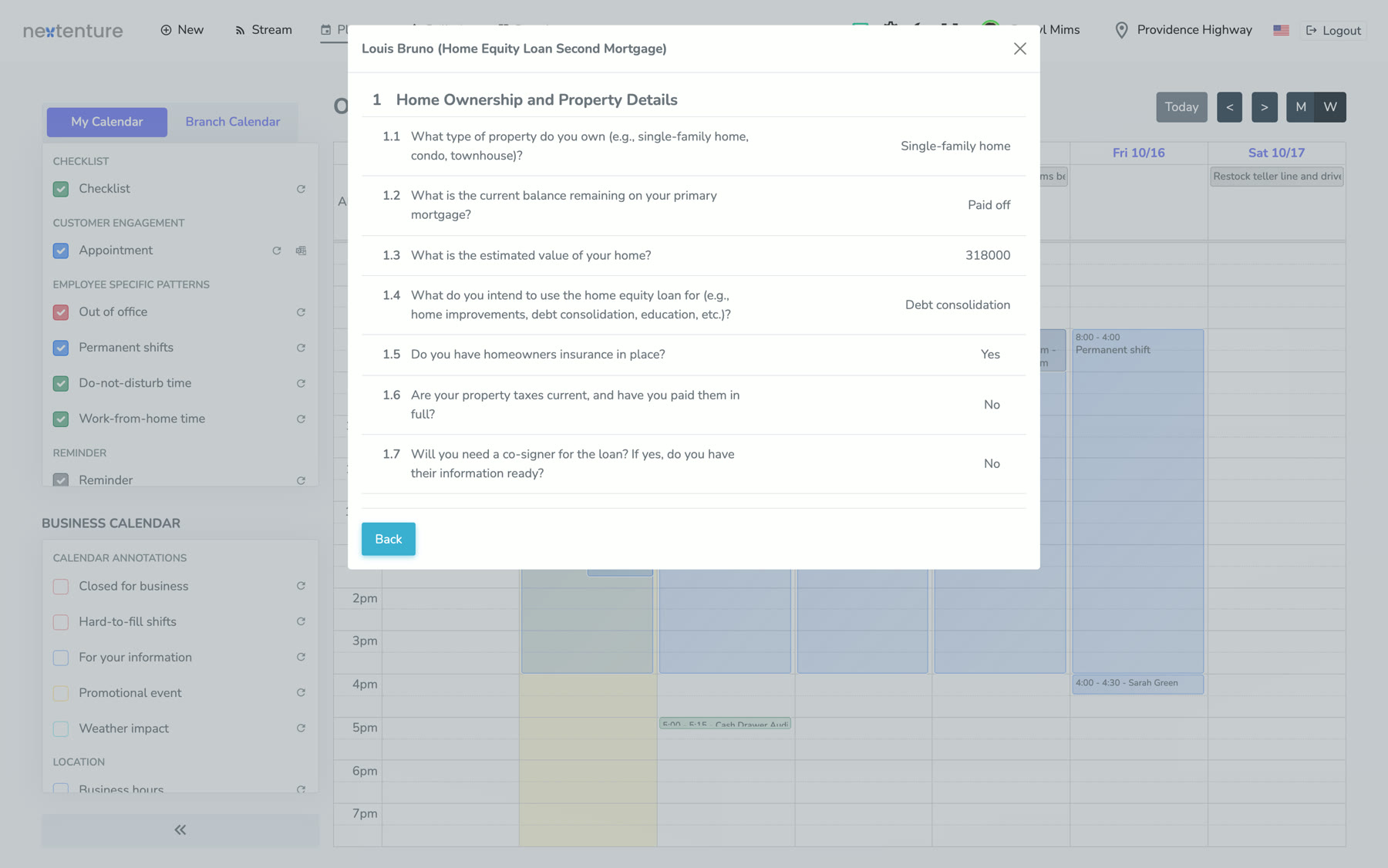
Customers only see times when an advisor with the right skills and languages is working.
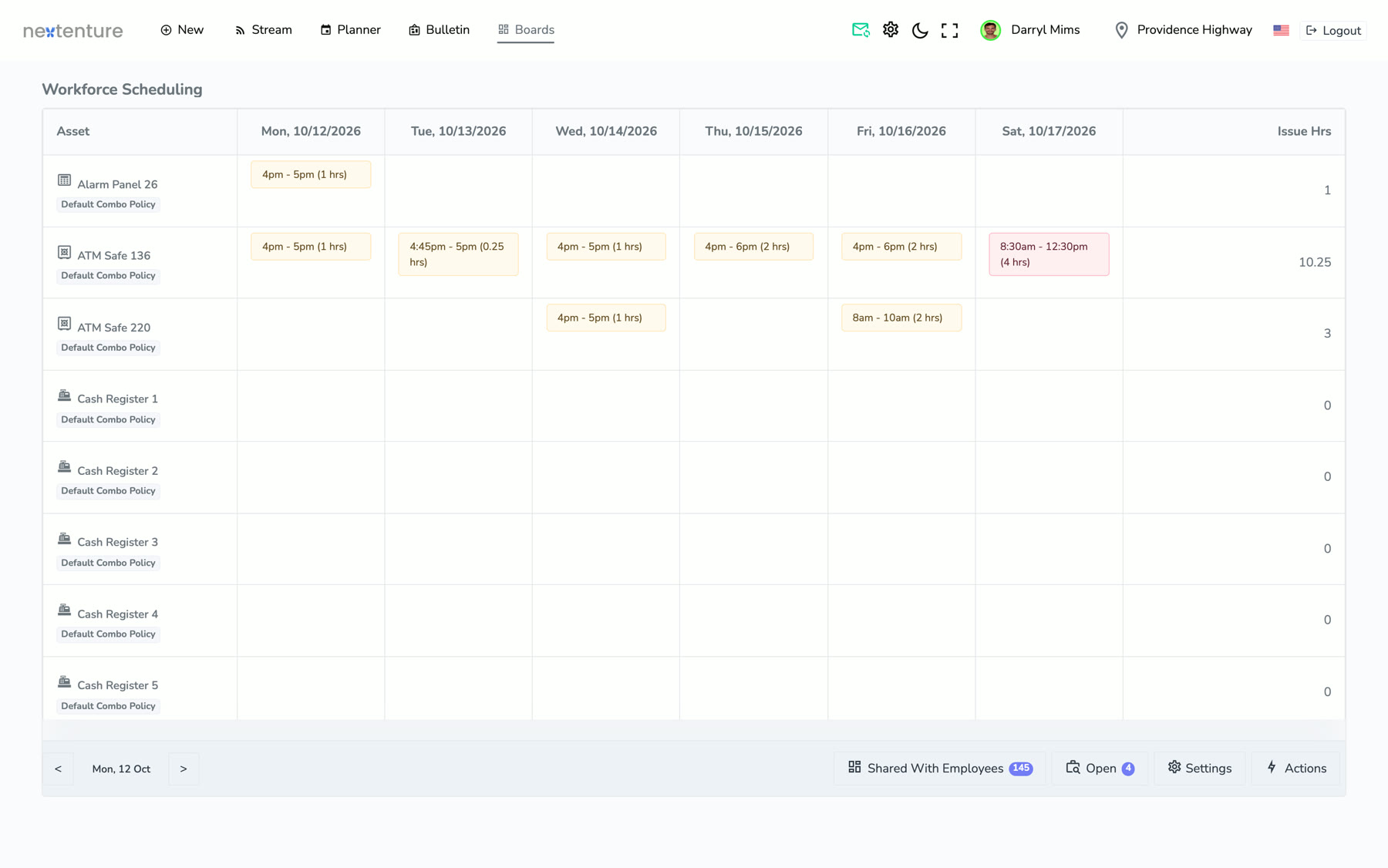
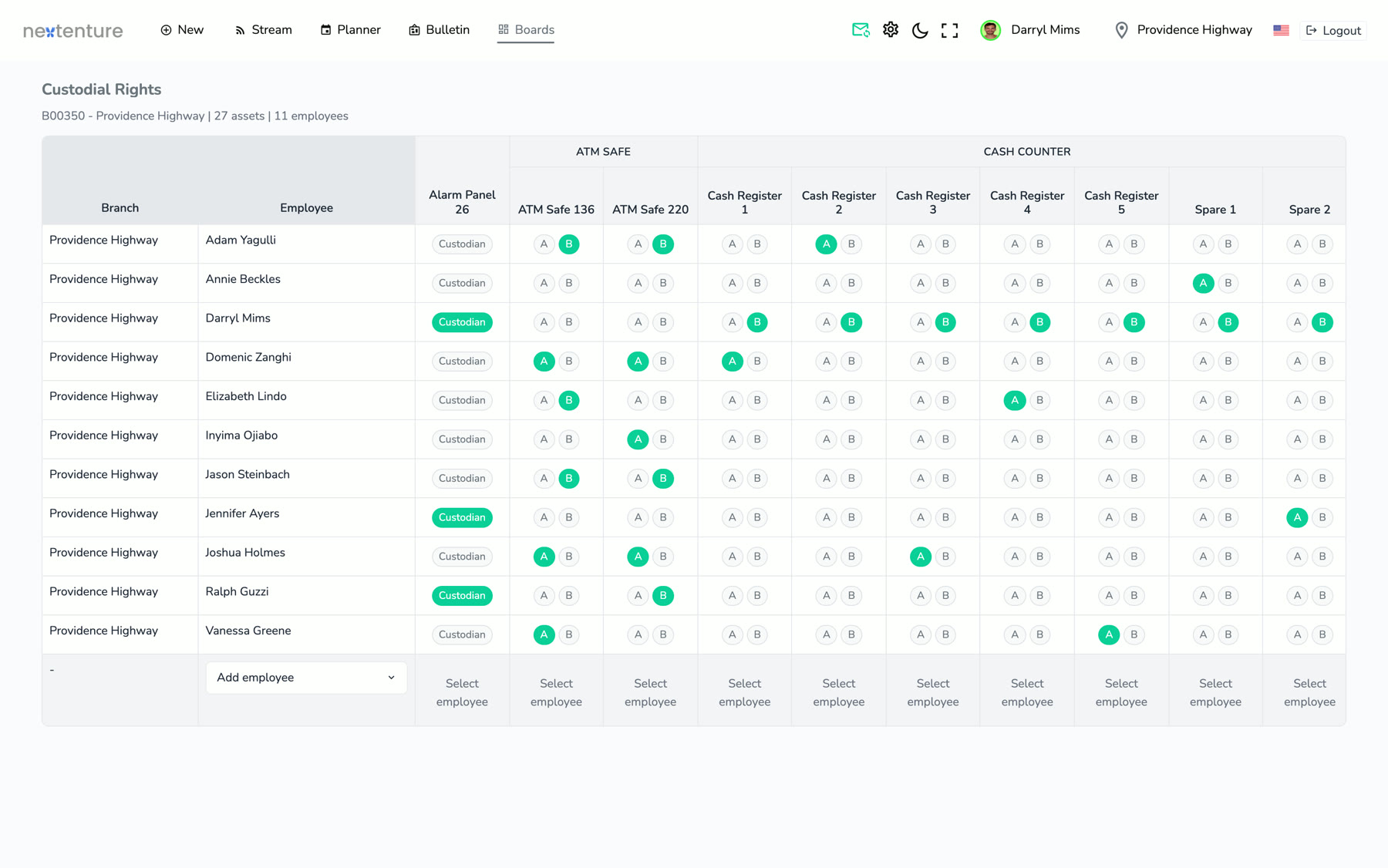
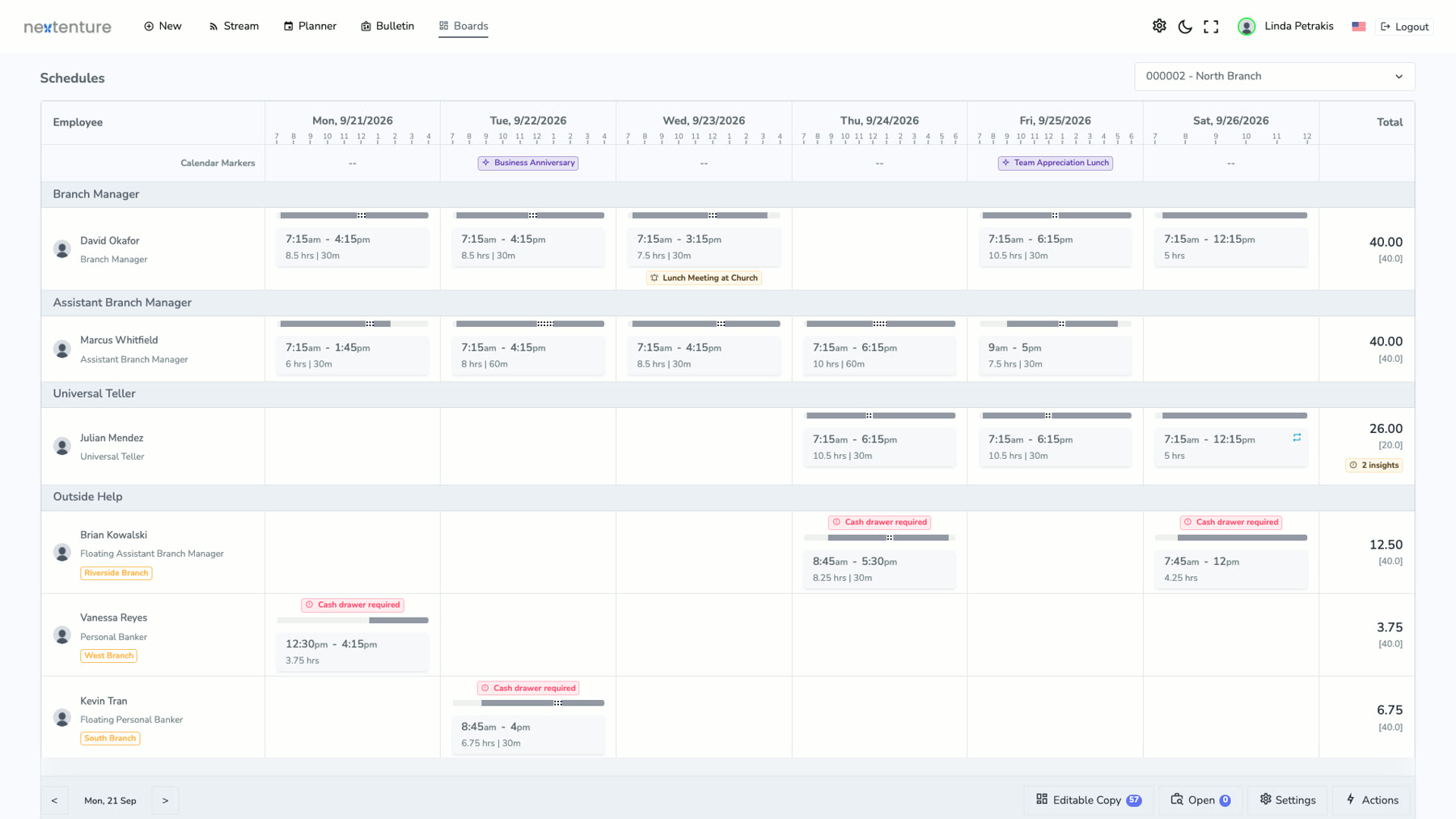
Automatic scheduling keeps dual control covered on critical assets.
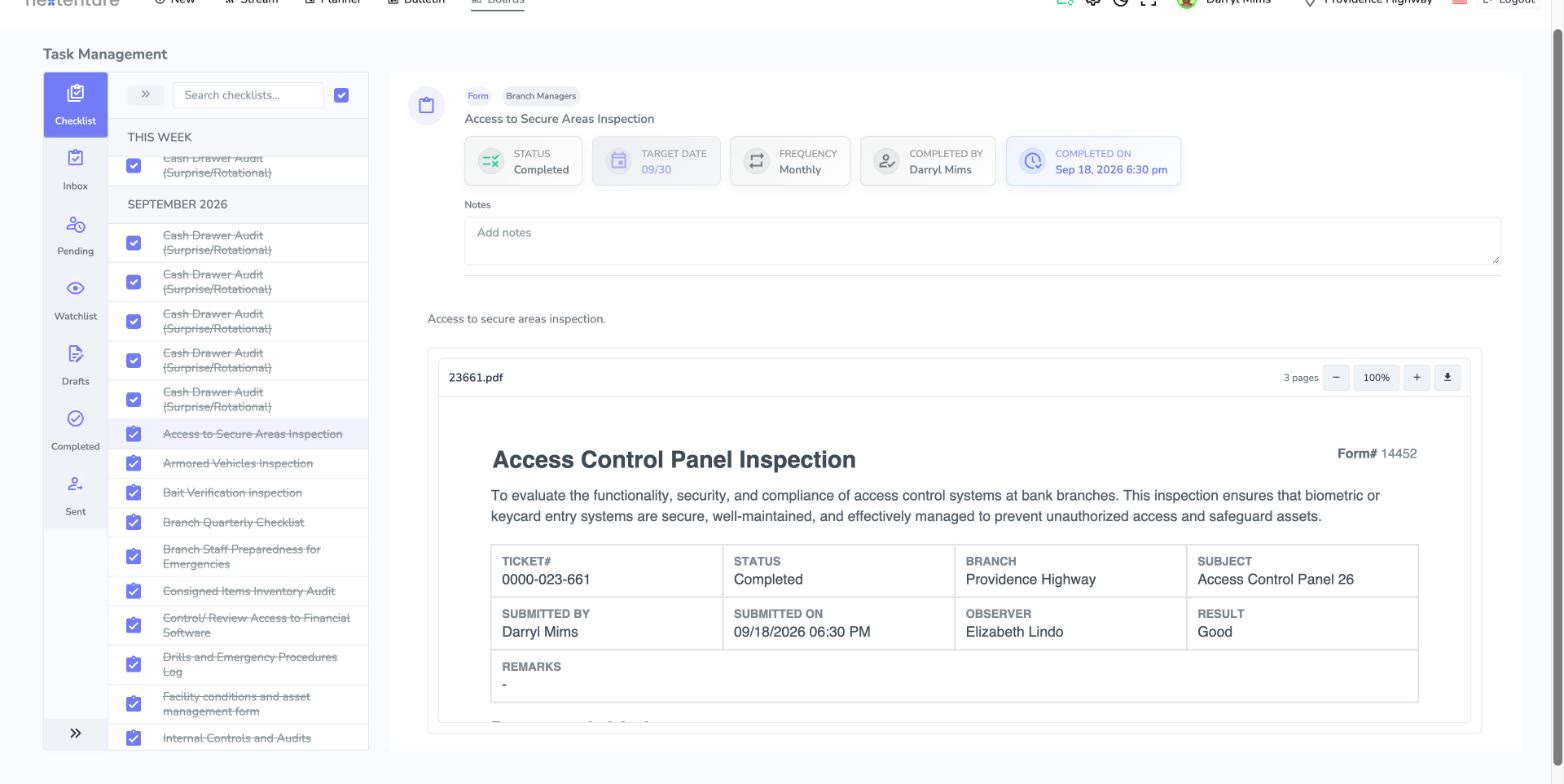
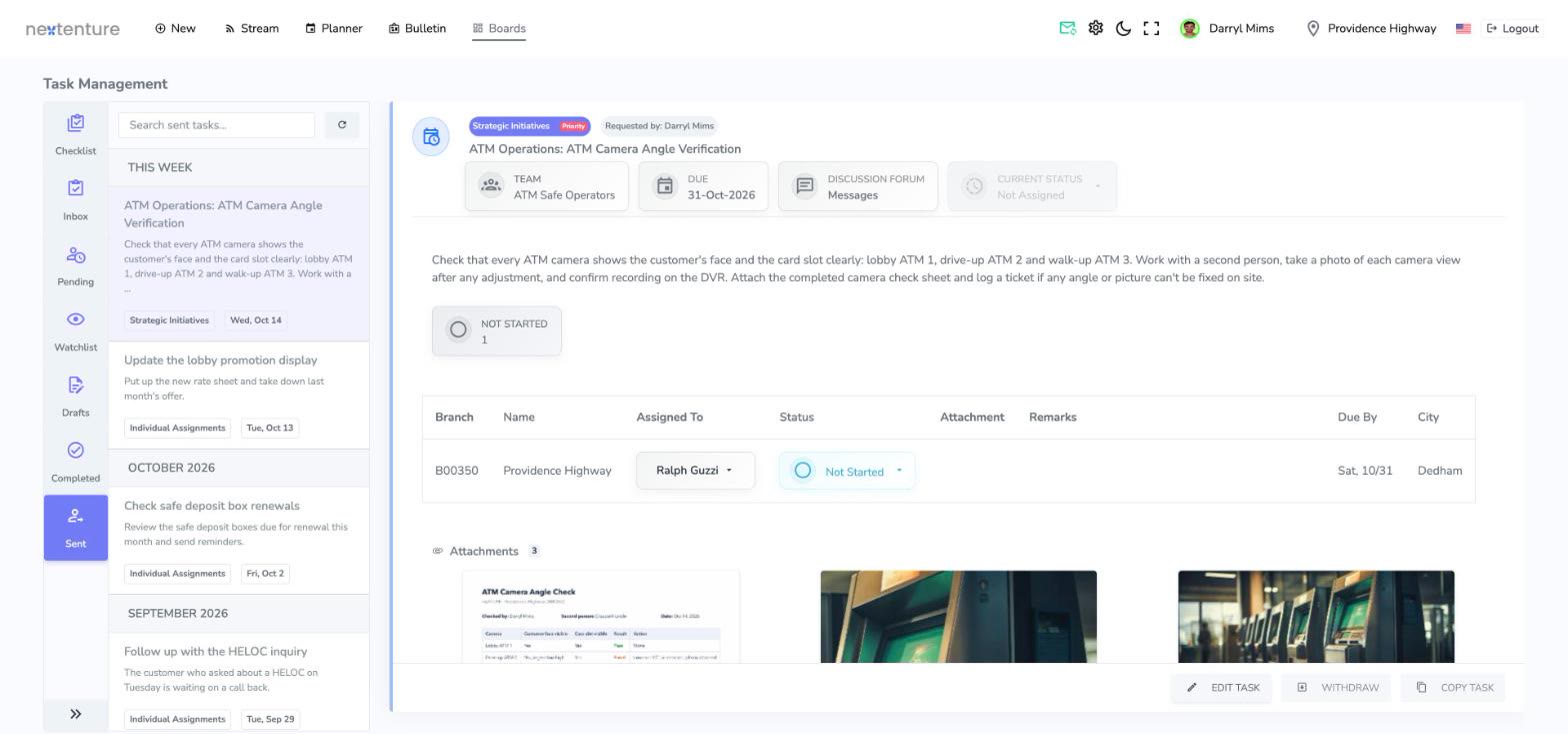
Findings create follow-up work, with time to resolution tracked.
Where people already work
NPC runs inside Teams, syncs with Outlook and signs in with your Microsoft accounts. Ask in plain words, and NPC opens the right screen, ready to work in.
Getting started
We set NPC up with your IT and operations teams, starting from workflows that already work in branches. After go-live, connect HR, CRM and your core system so information arrives without anyone retyping it.
We create your NPC account on Microsoft Azure and connect your sign-in: Microsoft, Okta or another single sign-on, with your IT team.
We copy our quick-start library of daily branch workflows, then adjust them with your operations team.
Branch profiles, staff and field users are loaded without code, and your Microsoft groups are matched to NPC groups.
We train your head-office team on setup, every workflow, and the learning library.
Your team runs the workflows on your own data, finds what doesn't fit, and adjusts it.
Introduce NPC to the field with our ready-made messages, and a short demo if you like. We clear the practice data, and you're live.
Every customer gets NPC's learning library: short lessons of about five minutes for tellers, advisors, managers and administrators, with progress tracking.
Open NPC from Microsoft Teams, your sign-in portal or a browser, on desktop, tablet or phone. There is no app to install.
Start with the learning library and the release notes. Then your own support team, who can reach Nextenture through our support portal.
Demo · Consult · Trial
See NPC on your own branch scenarios. Demo, consult or trial: whichever helps you decide.